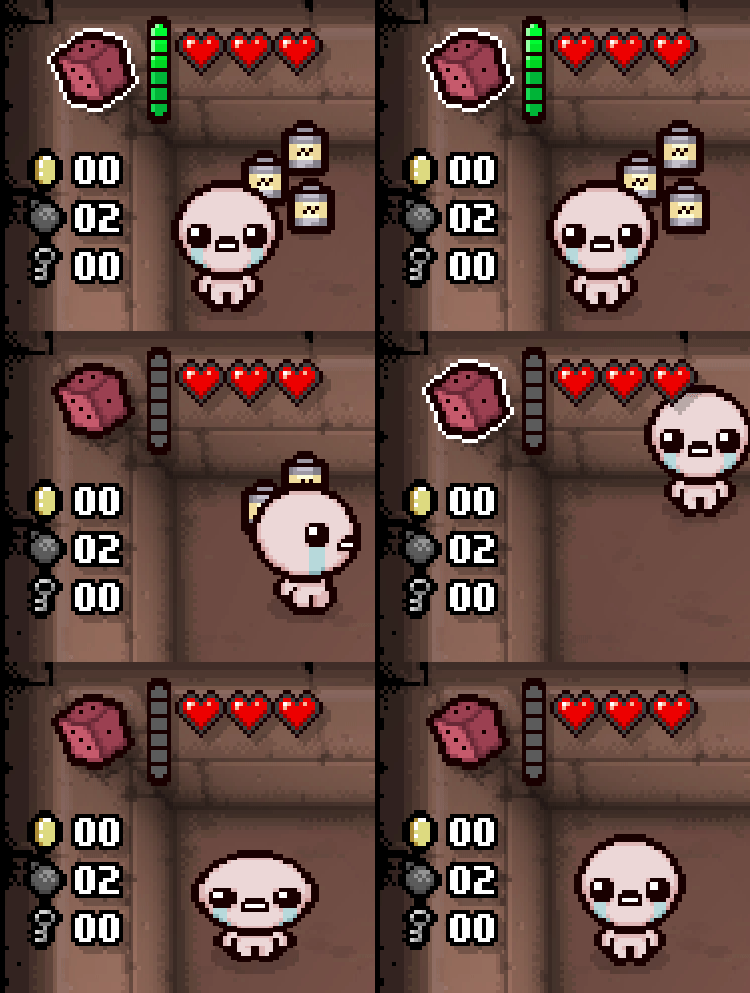
Active items are items held in the active slot and usually require charge to be used. This tutorial will branch off of the passive items page, so be sure to read that first.
The process of creating an active item is identical to that of a passive item, replacing the passive tag with active. However, there are a few unique attributes exclusive to active items.
123
<itemsgfxroot="gfx/items/"version="1"><activeid="1"name="Big Red Button"gfx="big_red_button_item.png"description="It's a big red button"quality="4"maxcharges="6"chargetype="normal"/></items>
active-exclusive tag variablesNote
All tags are optional.
Variable Name
Possible Values
Description
maxcharges
int
0 by default. When chargetype is set to timed, this attribute is used to define the cooldown of the item in game ticks. 30 = 1 second.
chargetype
string
normal by default. Possible values: [normal, timed, special].
passivecache
bool
false by default. Calls a cache evaluation when picked up similar to passive items, as typically the cache flag for active items will only trigger upon item activation.
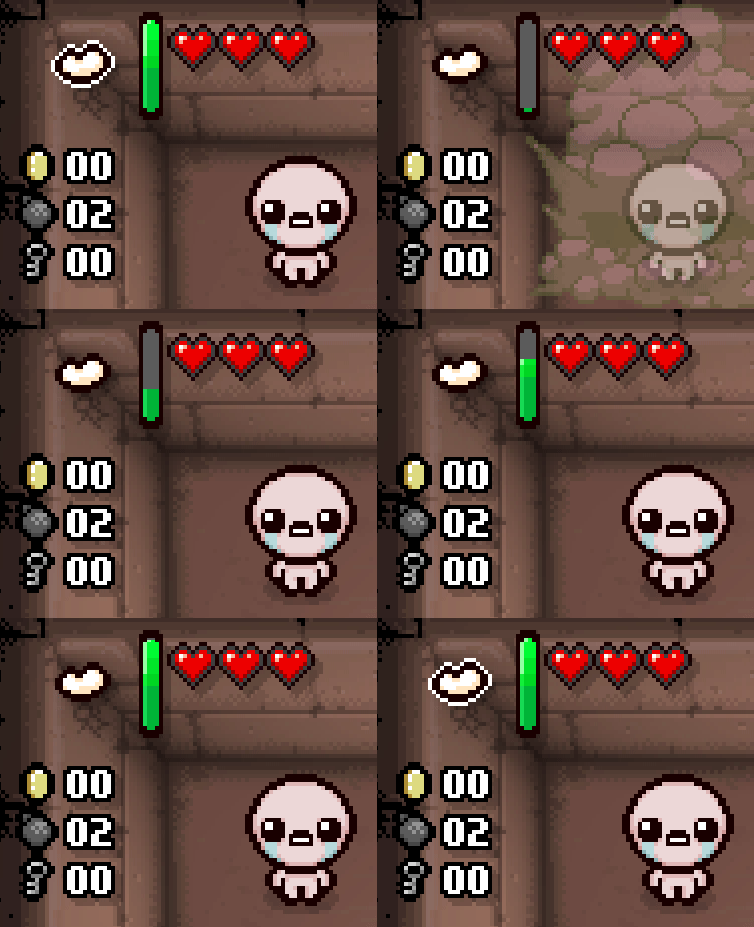
There are three charge types an active item can have that affect its charging behavior.
normal: The standard, default method of charging. Charges through room clears, battery pickups, and other conventional methods. Vanilla only uses max charges of [0, 1, 2, 3, 4, 6, 8, 12], but there is support for any number from 0 to 12.
timed: Can charge all the same ways normal charge type items do. Will automatically fill its chargebar over time.
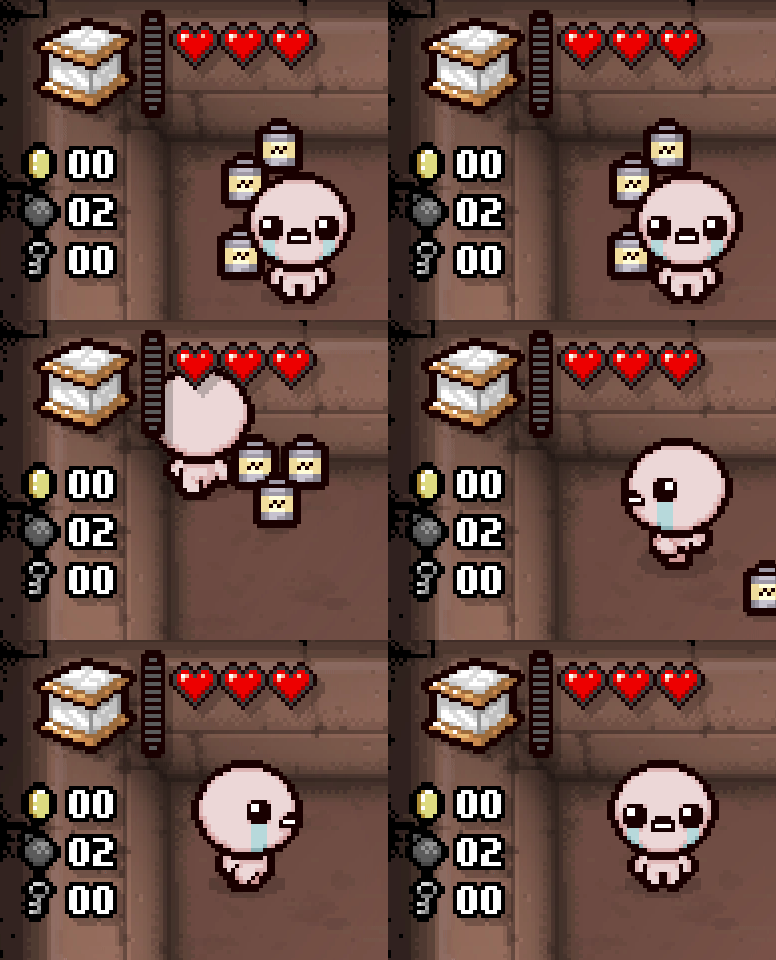
special: Cannot be charged through any conventional means, and must be charged manually with Lua code.
The active item now exists, but does not do anything on its own upon activation. This will require Lua code in order to give it an effect when used. The crucial callback for active items is ModCallbacks.MC_USE_ITEM.
Inside your main.lua, get your active item's ID and create a function attached to the MC_USE_ITEM callback.
1 2 3 4 5 6 7 8 910111213
localmod=RegisterMod("My Mod",1)localBIG_RED_BUTTON=Isaac.GetItemIdByName("Big Red Button")--MC_USE_ITEM passes 5 arguments: the item ID, collectible RNG, the player using it, UseFlags, and the slot it was used from.functionmod:RedButtonUse(item,rng,player,useFlags,activeSlot)end--Will call the mod:RedButtonUse function upon activating your active item.--Your item's ID is inserted at the end of the AddCallback function, as this callback accepts an optional argument--to specify which active item should trigger your code.mod:AddCallback(ModCallbacks.MC_USE_ITEM,mod.RedButtonUse,BIG_RED_BUTTON)
For this example, this item will kill every enemy in the room upon use.
localmod=RegisterMod("My Mod",1)localBIG_RED_BUTTON=Isaac.GetItemIdByName("Big Red Button")functionmod:RedButtonUse(item,rng,player,useFlags,activeSlot)--Gets every entity in the room, as there are no specialized methods of getting only enemies.localroomEntities=Isaac.GetRoomEntities()--Loop through the list of entities.for_,entityinipairs(roomEntities)do--Will check if it is an enemy and is susceptible to damage.ifentity:IsActiveEnemy()andentity:IsVulnerableEnemy()then--Kill it.entity:Kill()endend--Returns a table of variables that dictate the behavior of the active item once it's been used.return{Discharge=true,Remove=false,ShowAnim=true}--The Afterbirth+ method of only returning `true` will also replicate the return behavior seen above.--return trueendmod:AddCallback(ModCallbacks.MC_USE_ITEM,mod.RedButtonUse,BIG_RED_BUTTON)
UseFlags are a bit field used to determine certain attributes when activating an active item, card, or pill. This allows a single variable, passed as useFlags through the MC_USE_ITEM callback, to store multiple attributes at the same time. Explaining bitwise operations is beyond the scope of this tutorial, but know that useFlags & desiredFlag == desiredFlag is an effective way to check if it contains a specific flag.
As an example, the following code can be used to stop Car Battery from activating your item a second time:
This snippet of code will loop through the player's inventory of active items (active items can appear in multiple different slots) and increase each item's charge by 1 every 10 seconds.
localmod=RegisterMod("My Mod",1)localgame=Game()localBIG_RED_BUTTON=Isaac.GetItemIdByName("Big Red Button")localONE_SECOND=30localTEN_SECONDS=ONE_SECOND*10--Will need to compare against the maximum amount of charges later to see if the active needs to be charged.localMAX_CHARGE=Isaac.GetItemConfig():GetCollectible(BIG_RED_BUTTON).MaxChargesfunctionmod:ChargeActiveItem(player)--Only run this code if the player has your active item and that the game's timer has hit an interval of ten seconds.ifplayer:HasCollectible(BIG_RED_BUTTON)andgame:GetFrameCount()%TEN_SECONDS==0then--Will loop through the primary, secondary (from Schoolbag), and pocket item slot for active items.forslot=ActiveSlot.SLOT_PRIMARY,ActiveSlot.SLOT_POCKETdolocalmaxCharge=MAX_CHARGElocalcharge=player:GetActiveCharge(slot)--Important to remember that The Battery will double the maximum charge of all actives.ifplayer:HasCollectible(CollectibleType.COLLECTIBLE_BATTERY)thenmaxCharge=maxCharge*2end--Check that it's your active item and it needs to be charged.--There is an EntityPlayer:NeedsCharge() function, but it will always return `false` for `special` chargetype actives.ifplayer:GetActiveItem(slot)==BIG_RED_BUTTONandplayer:GetActiveCharge(slot)<maxChargethen--Will use the REPENTOGON-exclusive method of adding charges to the item, if available. Otherwise, uses the traditional method.ifREPENTOGONthenplayer:AddActiveCharge(1,slot,true,false,true)elseplayer:SetActiveCharge(charge+1,slot)endendendendendmod:AddCallback(ModCallbacks.MC_POST_PEFFECT_UPDATE,mod.ChargeActiveItem)